Clean-up
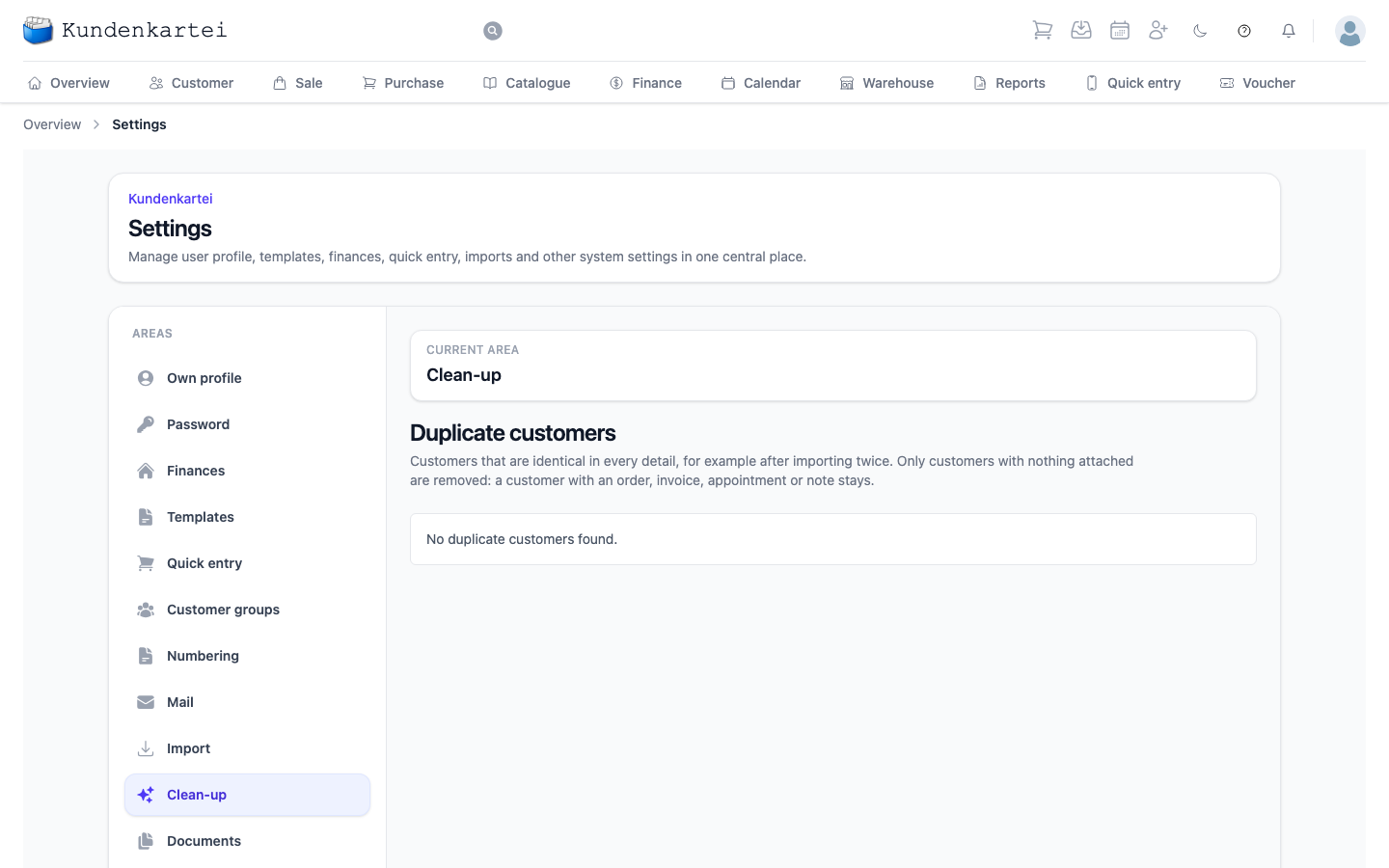
Tidying up your records. For now there is one item here: removing duplicate customers.
This area is one of sixteen under Settings. How they fit together and in which order to set them up is on the Settings page.
Cleaning up duplicate customers
If you imported a customer list twice, every customer may now appear twice. This area shows entries that are identical in every detail — name, address, contact, birthday and so on.
Each entry says whether it stays or will be removed. One entry of every group always stays, and so does every entry that already has an order, an invoice, an appointment or a note; the reason is shown next to it.
Remove duplicates and the confirmation that follows remove the surplus entries. This cannot be undone. Two entries that differ in even one detail — a middle name or a note — are not duplicates and both stay.
To avoid getting there: before every import, Kundenkartei shows how many customers would be created and how many only updated. If it says that all customers in the file already exist, you have probably imported the file before.